

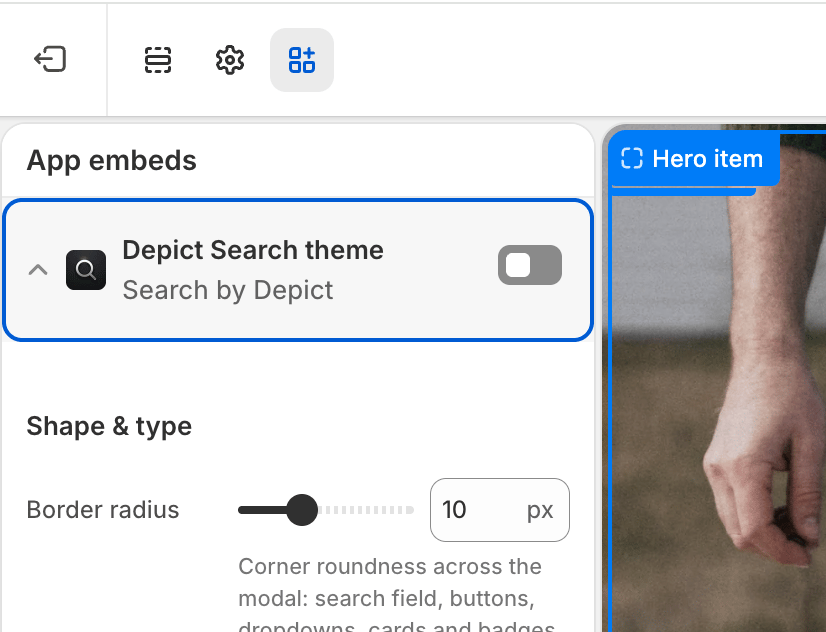
Settings
| Setting | Description | Values / Default | Applies to |
|---|---|---|---|
| Custom search icon | Upload your own icon for the button. Falls back to a built-in magnifier when empty. | Image (optional) | Desktop & Mobile |
| Search icon color | Color of the built-in magnifier icon (ignored when a custom icon image is used). | Color · default #000000 | Desktop & Mobile |
| Button width | Width of the button on desktop. | CSS length · default 20px | Desktop |
| Button height | Height of the button on desktop. | CSS length · default 20px | Desktop |
| Icon size | Size of the icon on desktop. | CSS length · default 20px | Desktop |
| Button width (mobile) | Width of the button on mobile. | CSS length · default 20px | Mobile |
| Button height (mobile) | Height of the button on mobile. | CSS length · default 20px | Mobile |
| Icon size (mobile) | Size of the icon on mobile. | CSS length · default 20px | Mobile |
| Mobile breakpoint | Max window width at which the mobile button sizes apply. | CSS length · default 768px | Both (threshold) |
| Button text | Optional text shown to the left of the icon on desktop. When set, the button width/height settings are disabled (the button sizes to its content). | Text (optional) | Desktop |