

Search modal
Search button settings
Customize the on-page button that opens the Depict search modal.
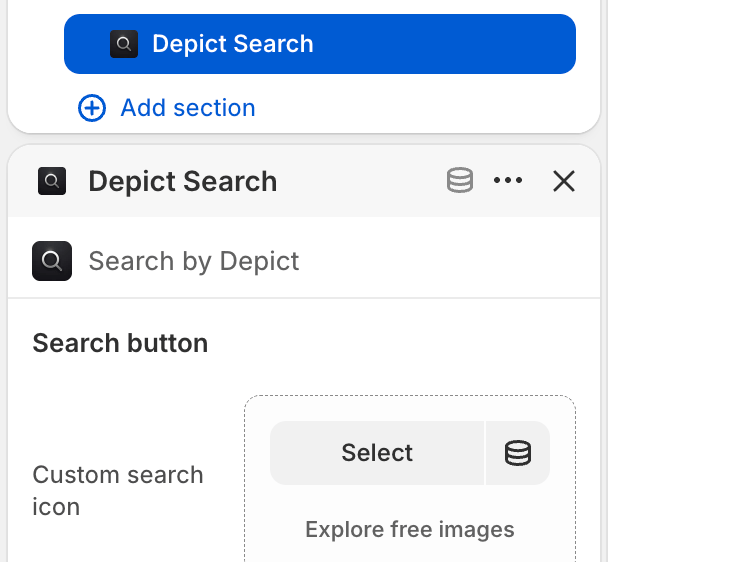
The Depict Search block is the entry-point button that opens the search modal. It is added to a section or header in your theme.
To edit these settings: Shopify admin → Online Store → Themes → Customize, navigate to the section where the button is placed (commonly the Header), then select the Depict Search block.
See Search customization overview for where global (modal) settings live.